How to Create Sitecore MVC Layout and Controller Rendering
2017/12/152 min read
bookmark this
Table of Contents
- Introduction
- Create a Sitecore Page with MVC Layout and Controller
- Create Layout at Sitecore
- Set Sitecore Location for New Layout File
- Set Sitecore MVC Layout's cshtml File Location
- Create New DefaultLayout1.cshtml in Visual Studio
- Sitecore Layout Detail
- DefaultLayout1.cshtml Detail
- Create Sitecore Controller Rendering
- Add Controller Name and Action Name in Sitecore
- Create Controller in Visual Studio MVC Project
- Sitecore Page Layout Detail
- Change Sitecore Page to Use Different Layout
- Layout Detail - Add Sitecore Controller Rendering
- Device Editor
- Select the New Rendering
- Sample Controller Rendering
- Page Using New Layout and New MVC Controller
- Create New Page and Submit via Workflow
- Approve Workflow
- Publish and See Changes
- Conclusion
Introduction
This blog demonstrates how to create and use MVC Layout and Controller with Sitecore Layout and Controller Rendering. The final source code can be obtained from the link provided.
Create a Sitecore Page with MVC Layout and Controller
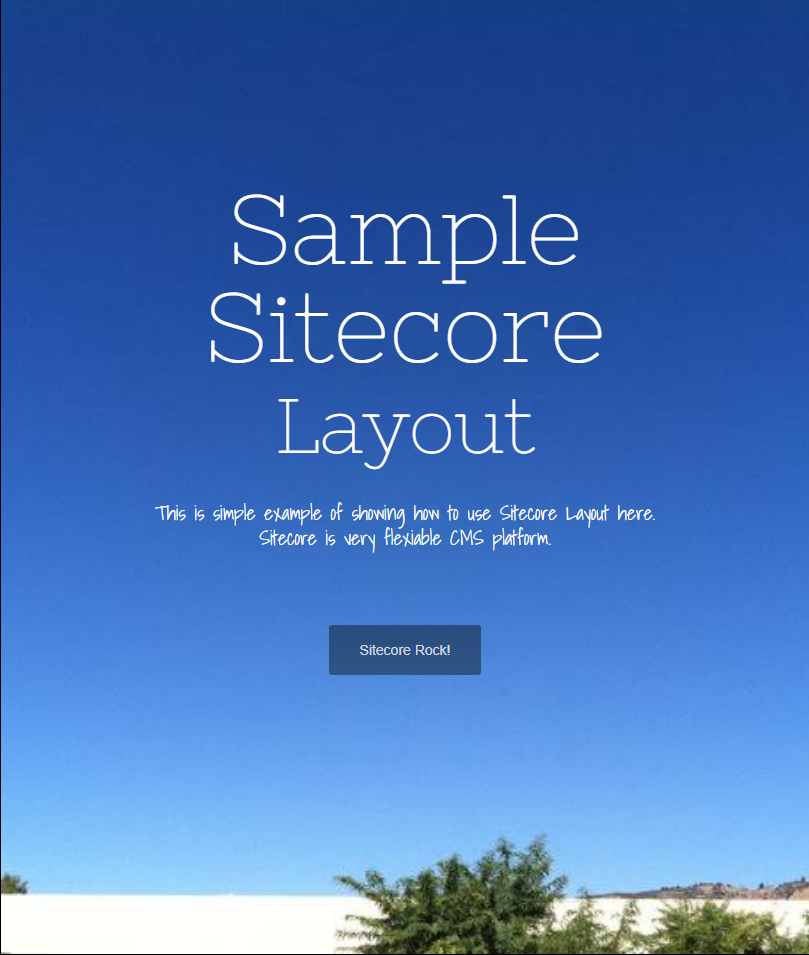
Create Layout at Sitecore

Set Sitecore Location for New Layout File

Set Sitecore MVC Layout's cshtml File Location

Create New DefaultLayout1.cshtml in Visual Studio

Sitecore Layout Detail

DefaultLayout1.cshtml Detail

Create Sitecore Controller Rendering
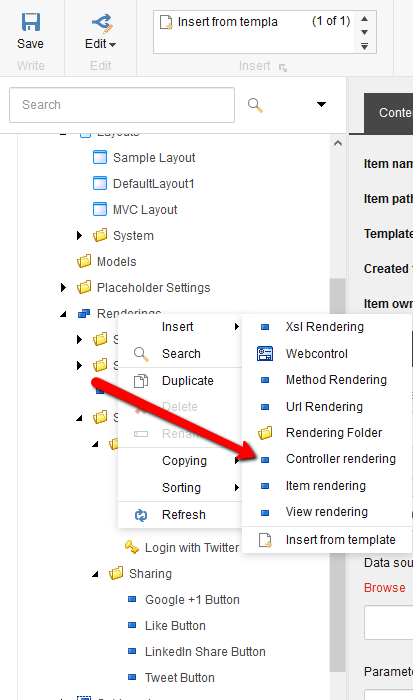
Add Controller Name and Action Name in Sitecore

Create Controller in Visual Studio MVC Project

Sitecore Page Layout Detail

Change Sitecore Page to Use Different Layout
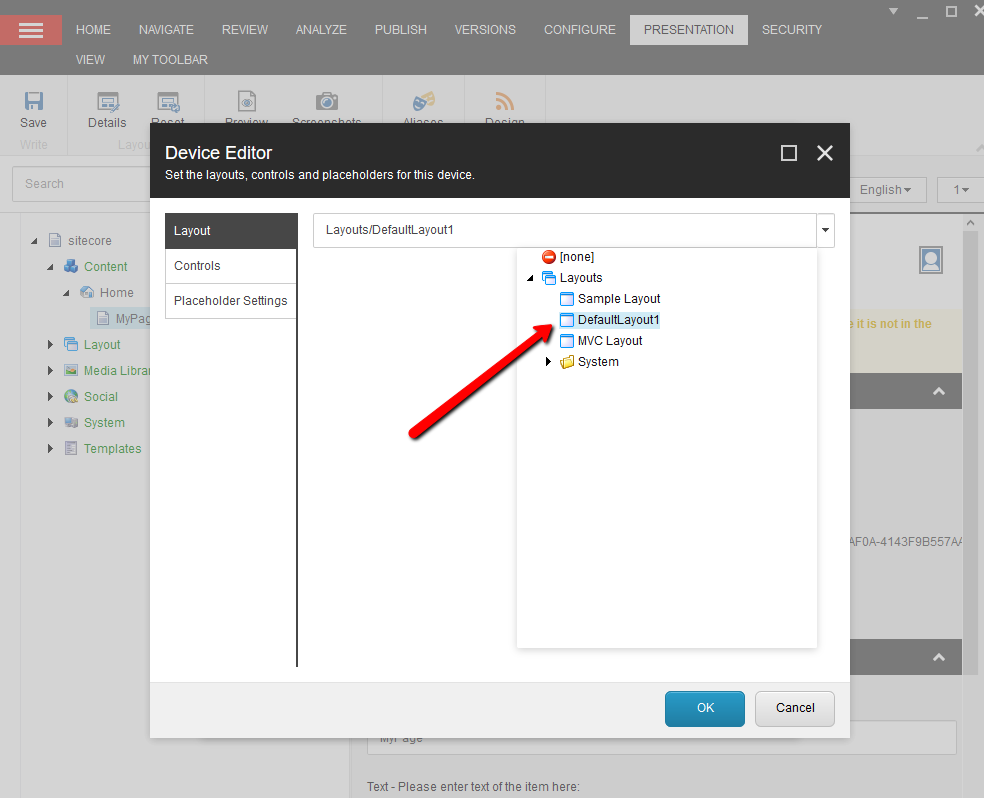
Layout Detail - Add Sitecore Controller Rendering

Device Editor
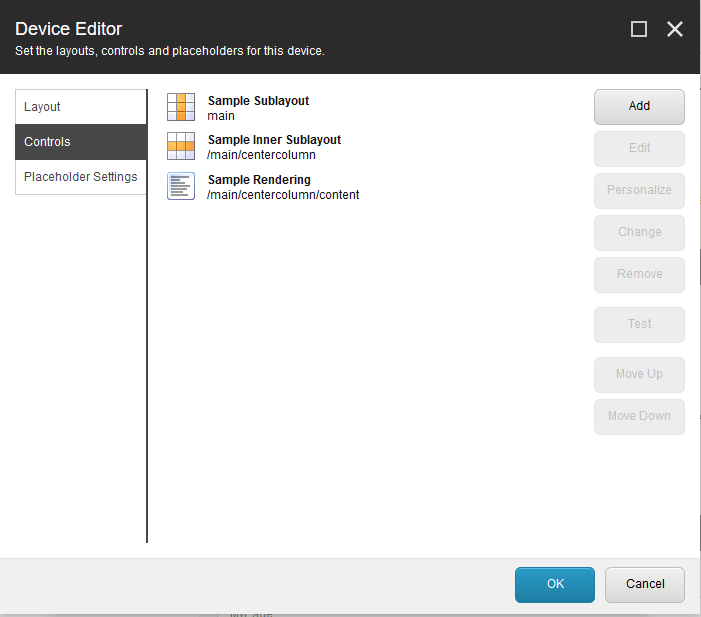
Select the New Rendering

Sample Controller Rendering

Page Using New Layout and New MVC Controller

Create New Page and Submit via Workflow

Approve Workflow

Publish and See Changes

Conclusion
This walkthrough covered the complete process of creating Sitecore MVC Layouts and Controller Renderings, from setting up the layout and controller in both Sitecore and Visual Studio, to publishing the final page through the workflow.