SSH to EC2 Instance via EC2 Instance Connect
2020/01/181 min read
bookmark this
Table of Contents
Introduction
This blog shows how to use AWS EC2 Instance Connect to SSH to an AWS EC2 instance. Unlike using Mac or Windows where you have to download private keys or use PuTTY to SSH to the EC2 instance, this is a much easier way to connect to an EC2 instance by simply clicking a button in AWS.
Connect Using EC2 Instance Connect
-
Right-click the instance and select "Connect".
-
Choose "EC2 Instance Connect (browser-based SSH connection)".
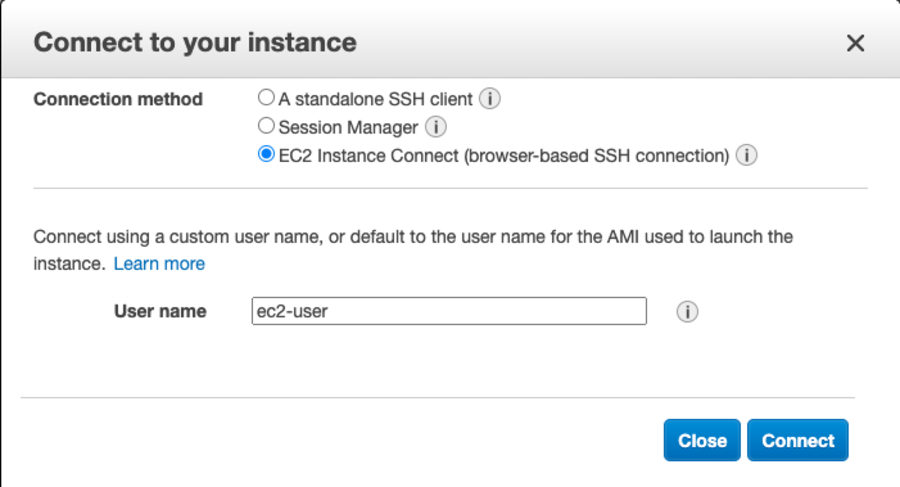
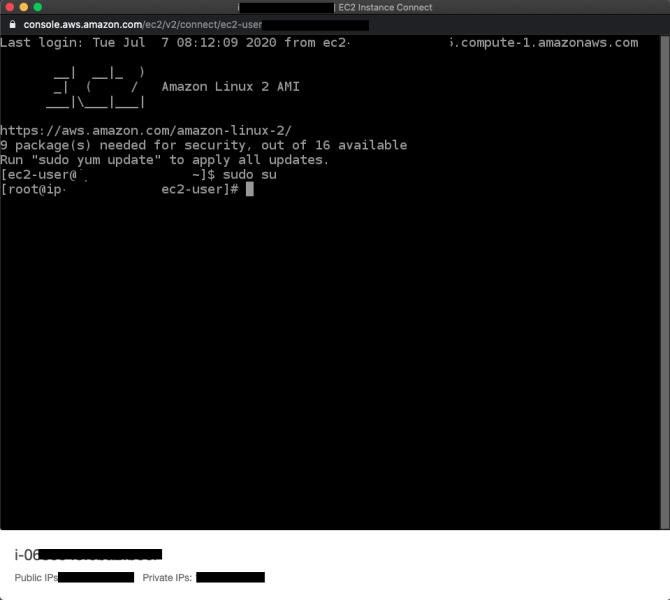
- Click "Connect".
References
- Connecting to your Linux instance using EC2 Instance Connect
Conclusion
EC2 Instance Connect provides the simplest way to SSH into your EC2 instances. It eliminates the need for managing private key files or installing third-party tools — just click "Connect" in the AWS Console and you're in.