How to Deploy Orchard CMS Open Source to IIS
Table of Contents
Introduction
Open-source Orchard CMS is awesome. This blog demonstrates how to download the source code and set it up on IIS.
Download Source Code
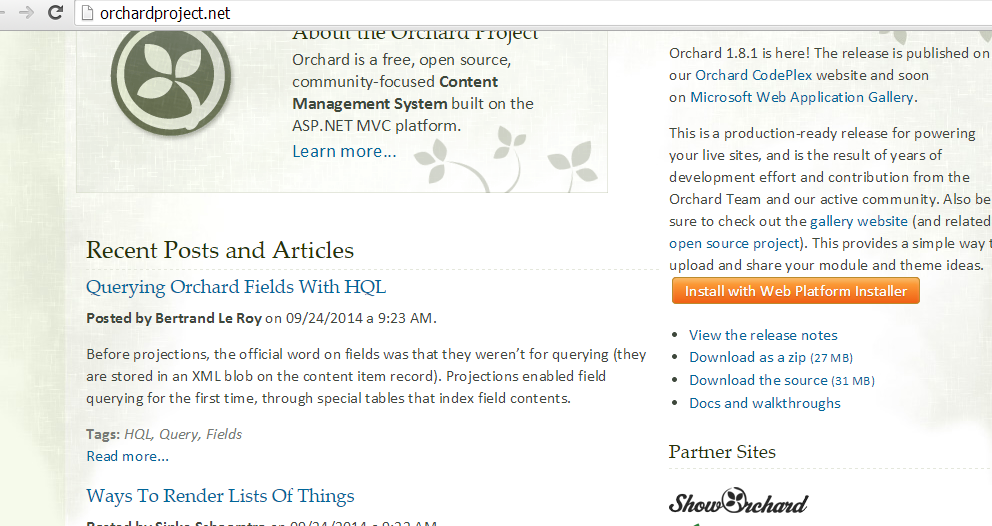
Download the source code or pre-deployed code from the Orchard site.
Setup at IIS
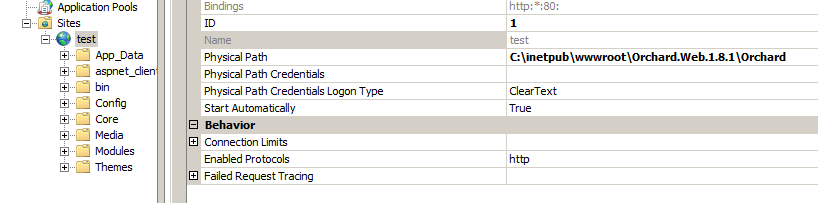
Set up IIS by creating a website and using the source code you just downloaded.
Troubleshooting Permission Errors
You might see the following error, which means your deployed code doesn't have permission for IUser_Machine, or the folder or location is not accessible for IUser_Machine, or your application pool is using an old .NET Framework version.
Add IUser_Machine permission to your application folder. If you don't add the permission, you might see the following errors:


Conclusion
Deploying Orchard CMS to IIS involves downloading the source code, creating an IIS website, and ensuring proper permissions are set for the application folder. If you encounter errors, check that IUser_Machine has the correct permissions and that the application pool is configured with the correct .NET Framework version.