Share S3 Bucket Between AWS Accounts

Table of Contents
- Introduction
- Create a Role in the Root Account
- Add a User in the Child Account
- Switch Roles to Access the Shared Bucket
- Conclusion
Introduction
This blog shows how to share an S3 bucket across different AWS accounts.
First, you'll need to set up multiple AWS accounts by using AWS Organization. You can reference this blog to see how to create an AWS Organization.
Once you have set up AWS Organization, make a note of the AWS account ID that has the S3 bucket you want to share with another AWS account. You'll need it later.
Create a Role in the Root Account
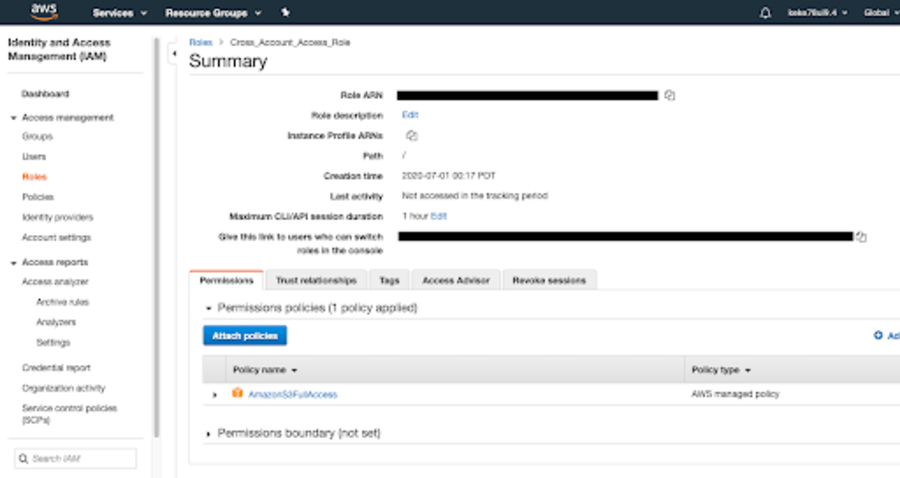
Go to the root account's IAM, click Roles to create a new role.
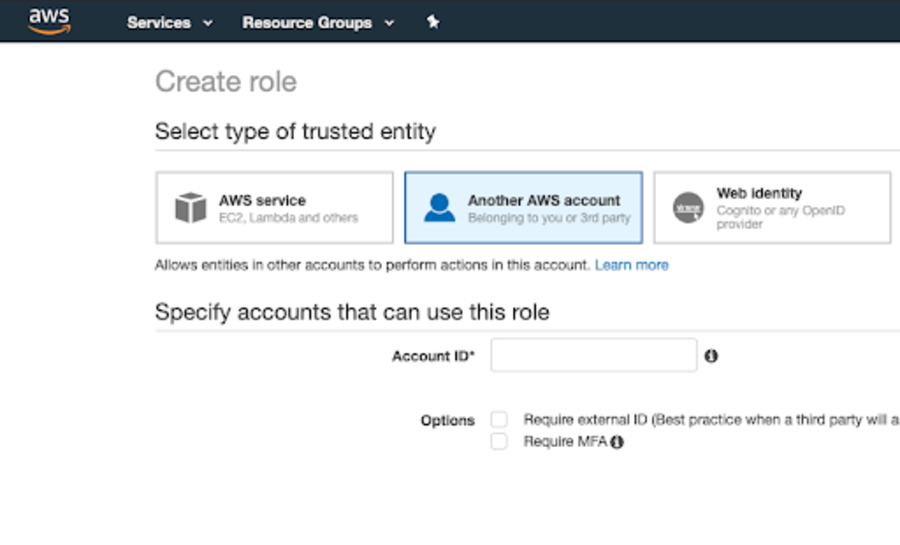
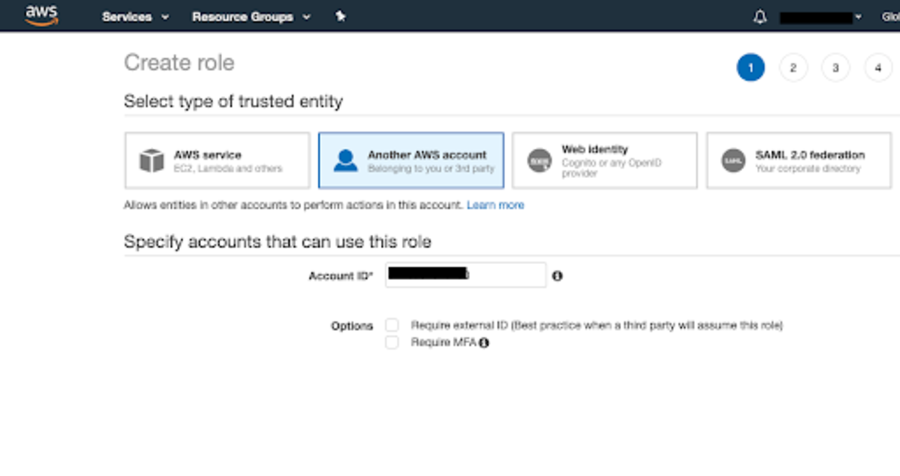
Enter the AWS account ID.
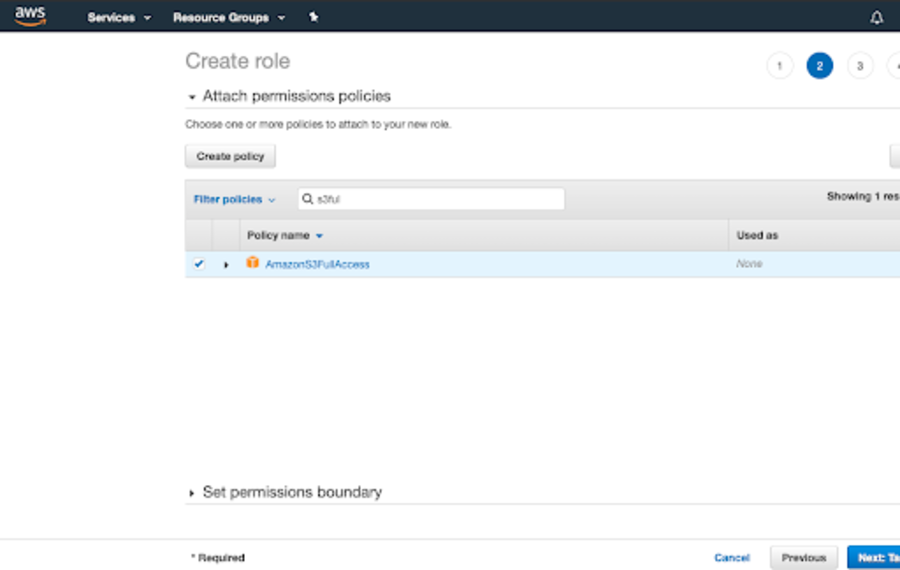
Choose the AmazonS3FullAccess role.
Finish creating the role.
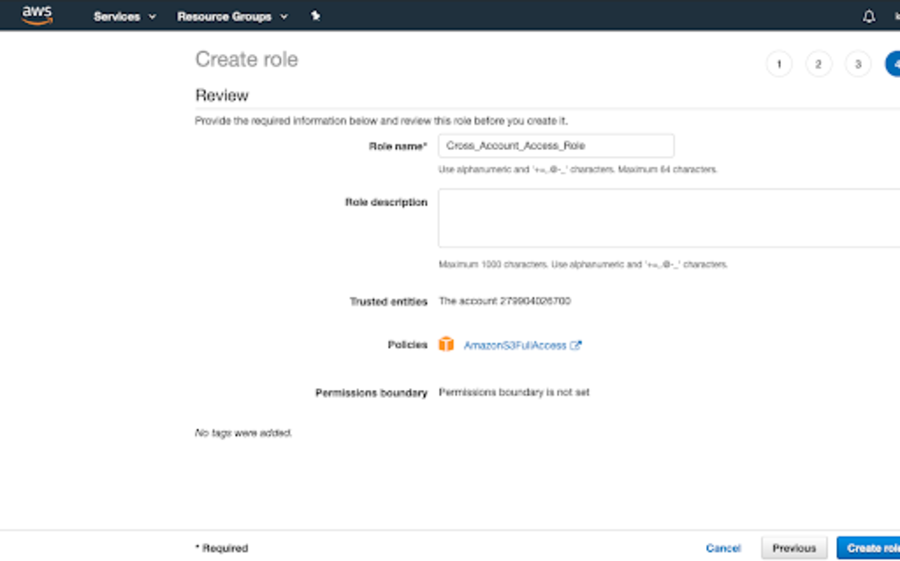
Add a User in the Child Account
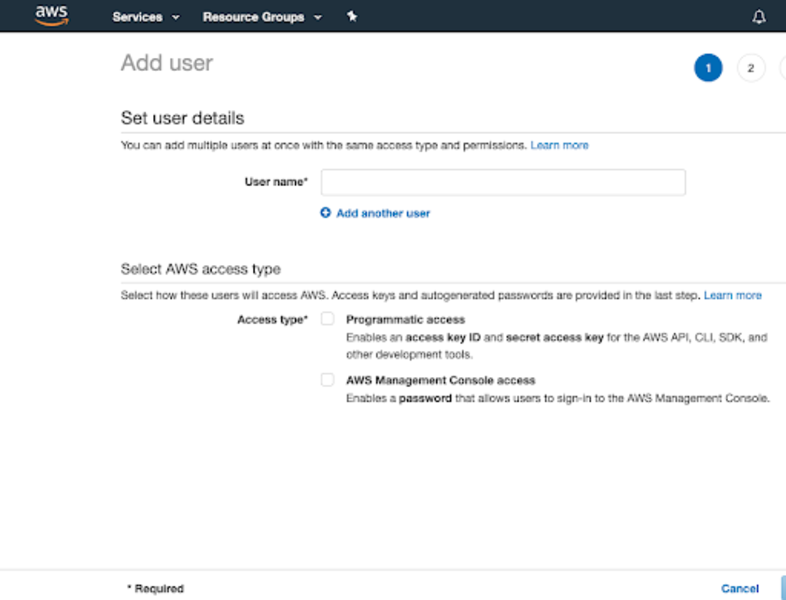
After finishing creating the role in the root account, we'll need to go to the child account to add a user.
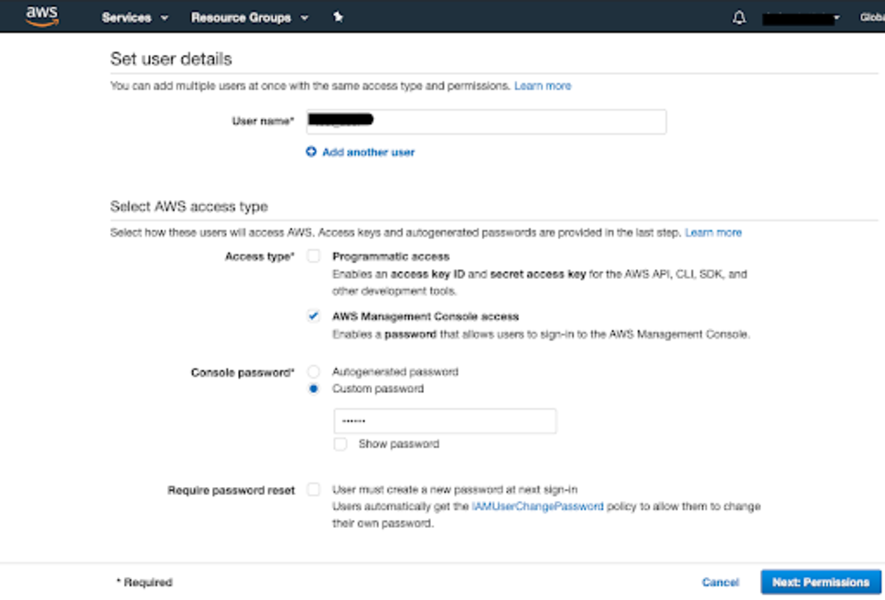
Add a user in the child account.
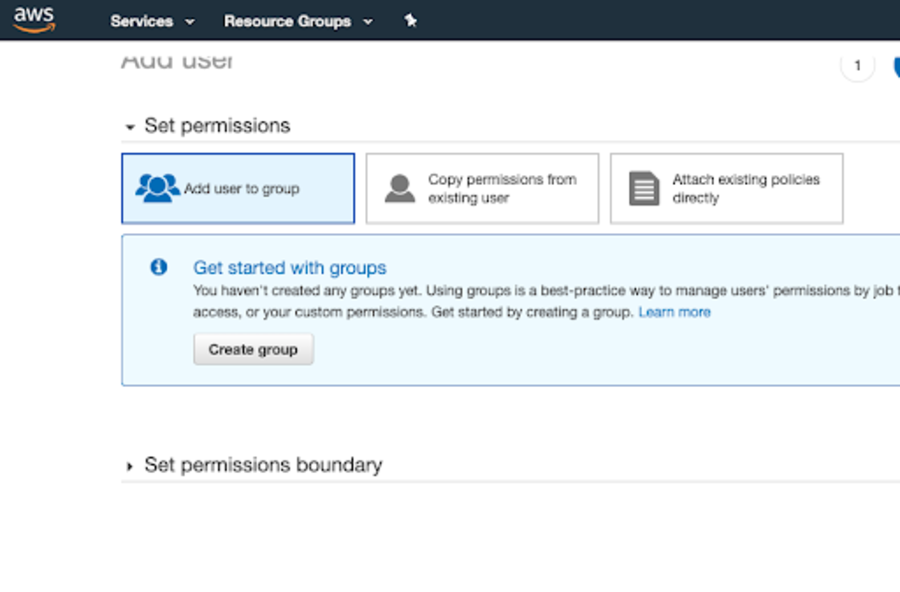
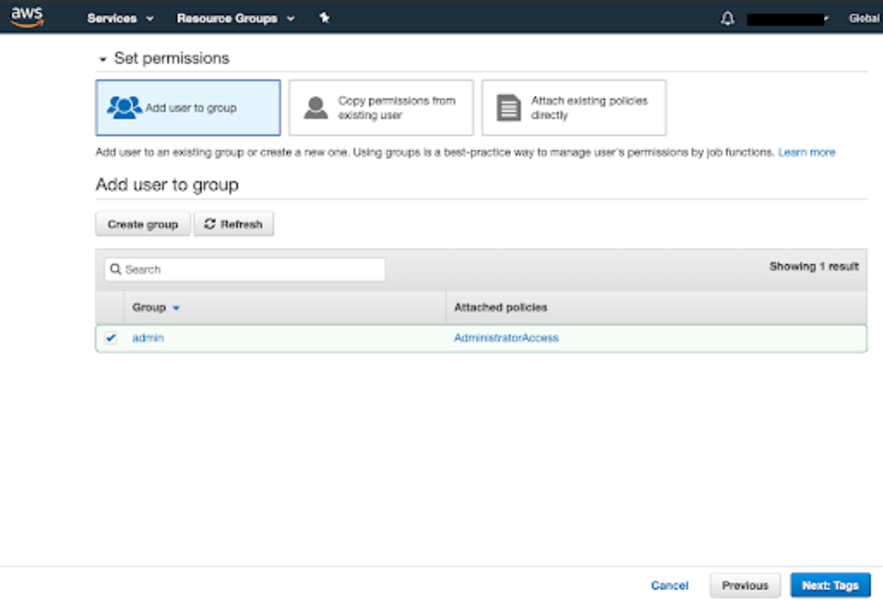
Add a new role to the user, and add the user to a group by creating a new group.
Add AdministratorAccess when creating the new group.
Successfully created a new user.
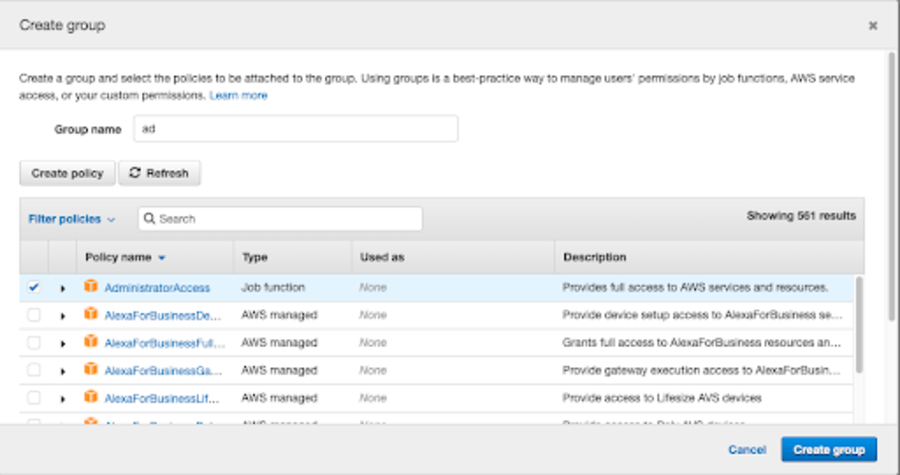
New admin group with AdministratorAccess.
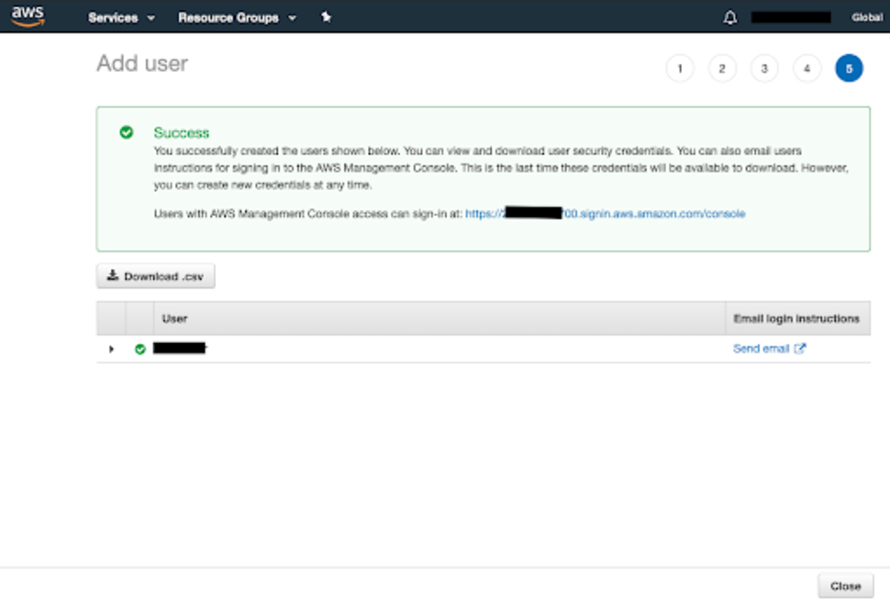
Switch Roles to Access the Shared Bucket
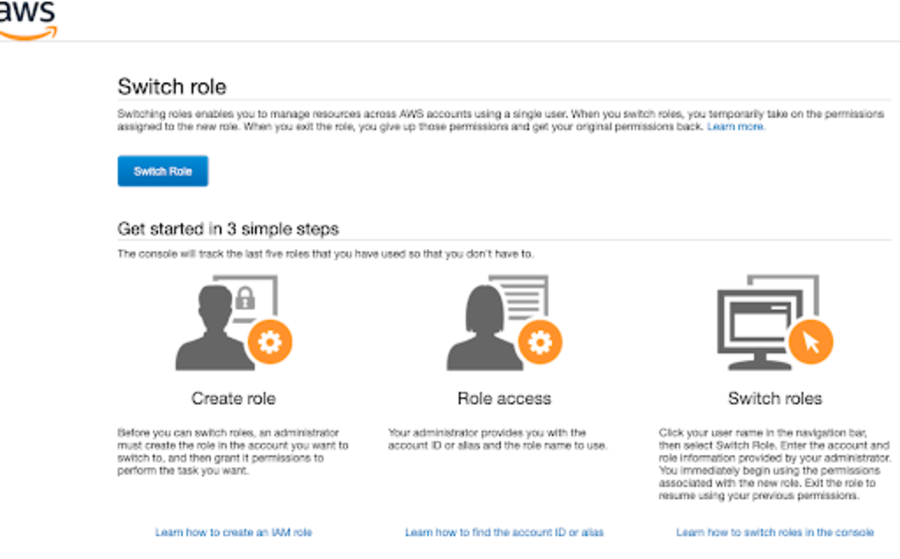
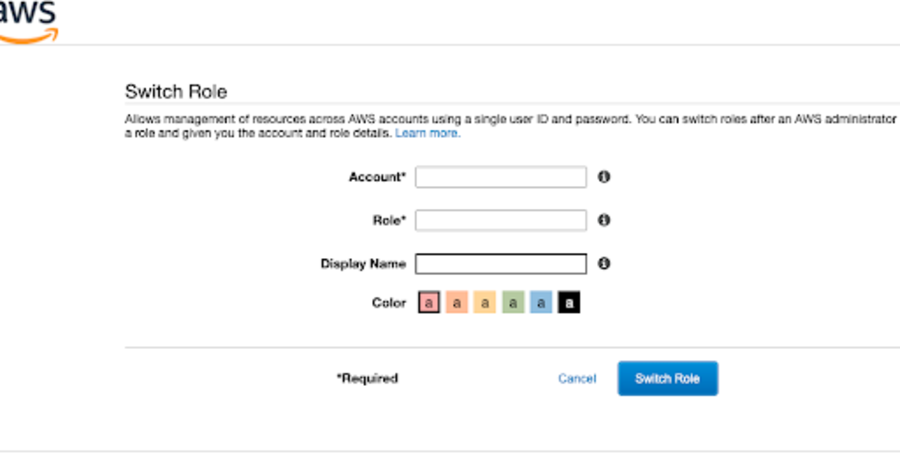
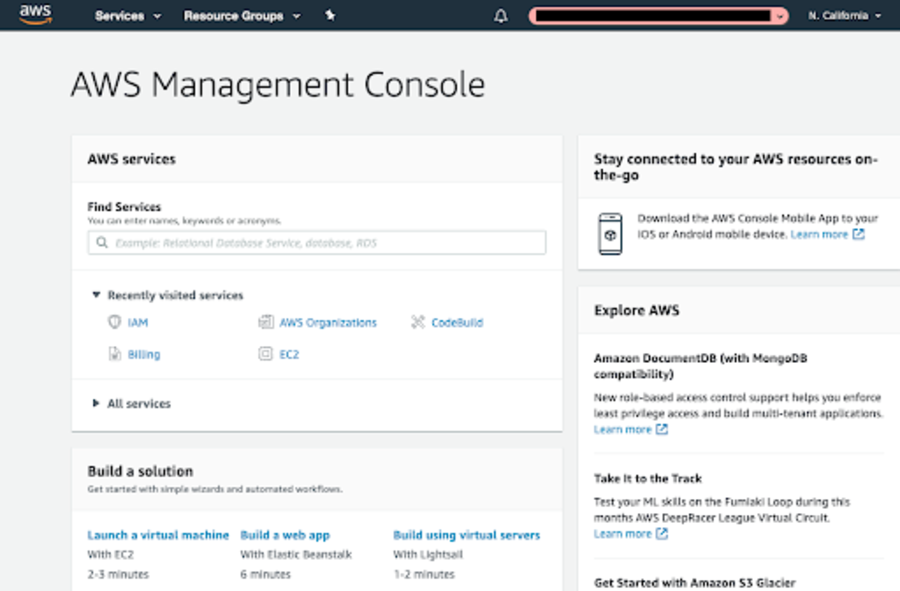
After successfully creating this user, log in to AWS with the new user's username and password. After logging in, go to the user tab and select Switch Roles.
Enter the account ID and the role name.
Conclusion
To share an S3 bucket between AWS accounts, you need to set up AWS Organization, create an IAM role with S3 access in the root account, add a user in the child account with appropriate permissions, and then use the Switch Roles feature to access the shared bucket. This approach provides a secure and manageable way to share resources across accounts.